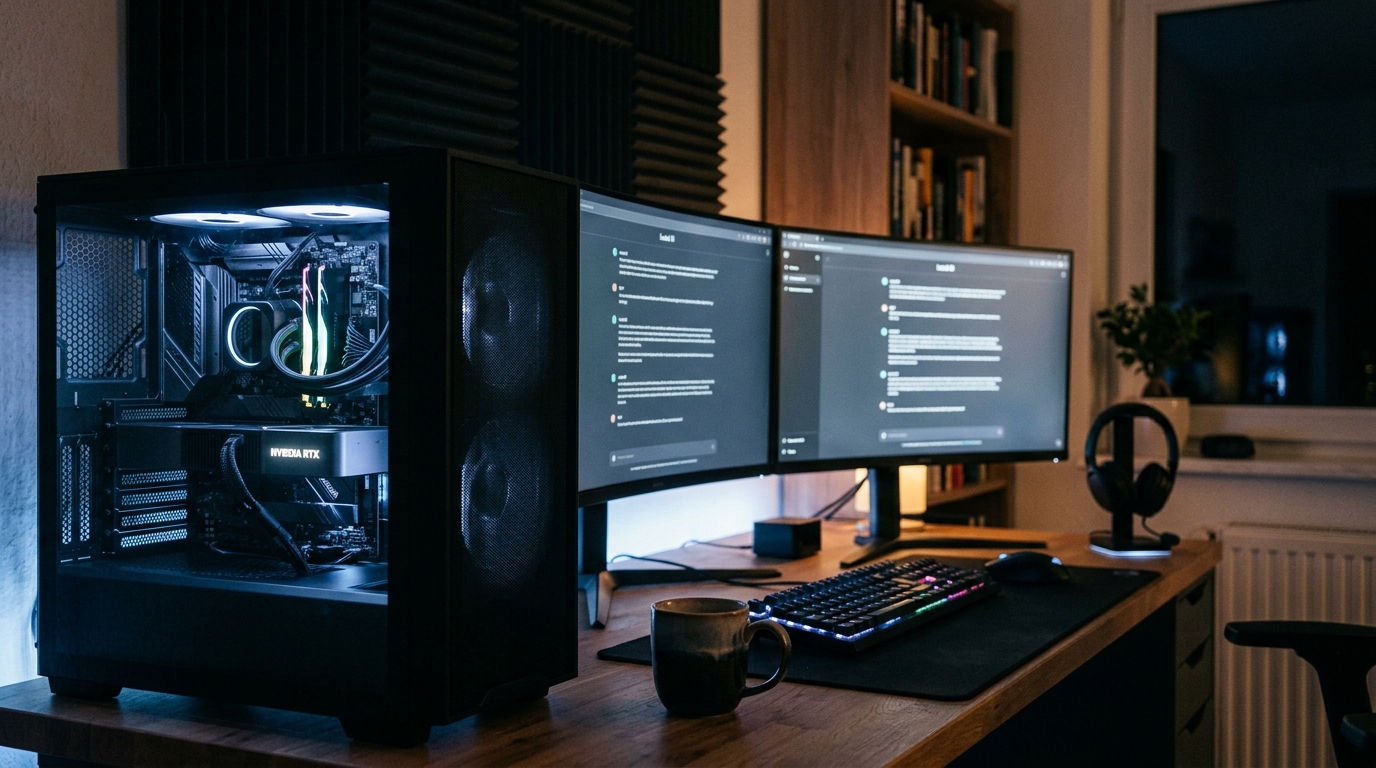
Updated October 2026. Since September 14, 2026, Perplexity Portable Computer — the fully local version of the Perplexity Computer agent — runs inside the Perplexity app for Windows on NVIDIA RTX PCs. Work done by the local model stays on your machine and does not use Computer credits. But the requirements are stricter than many early posts suggested: you need a 24GB GPU and a paid Perplexity plan. Here is what it really takes, how to set it up, and where its limits are.
Table of Contents
Requirements at a Glance
| Requirement | Details |
|---|---|
| GPU | NVIDIA GeForce RTX or RTX PRO with at least 24GB of VRAM (e.g. RTX 3090, 4090, 5090), or NVIDIA DGX Spark |
| Operating system | Windows 10 or Windows 11 (Ubuntu and DGX OS on Linux) |
| Plan | Perplexity Pro or Max (individual or Enterprise). No separate subscription. |
| Disk space | About 19.6GB for PPLX 27B on Windows; about 19.9GB more to add Qwen 27B |
| Internet | Needed to sign in, download models, and for any cloud step you approve |
If the on-device model controls do not appear in the app, the most common reason is a GPU with less than 24GB of VRAM. Organization accounts may also need an administrator to allow local inference.
What Runs Locally (and What Doesn’t)
According to Perplexity’s help center, these components run on your PC:
- The orchestrator model, planner and tool router
- The scheduler and durable task queue (for recurring tasks)
- A local search index over your files and code
- The sandbox that isolates code and tool execution
Some things still use the cloud: Perplexity Search, wide research and deep research, the 15+ frontier models for advanced reasoning, connected apps and browser use. The important part is that Perplexity Portable Computer asks your permission before anything leaves the device, and approved cloud steps are billed at the normal Computer rate.
Local Models Available
- PPLX 27B — Perplexity’s own model, the default first download.
- Qwen 27B — available on Windows, Linux and DGX Spark.
- NVIDIA Nemotron — listed as “coming soon”.
Only one local model runs at a time; switching means loading a different one. If you want to run Qwen models outside Perplexity, our guide to running Qwen3.8 27B locally covers Ollama, LM Studio and llama.cpp.
How to Set Up Perplexity Portable Computer on Windows
- Install (or update) the Perplexity app for Windows and sign in with a Pro or Max account.
- Open Menu → Settings → Local Inference.
- Under On-device models, download PPLX 27B.
- In the composer’s model menu, choose the model under Local.
- To let the agent work with your files, enable Local file system access and Desktop tools under Settings → Permissions.
You can confirm you are in local mode when a model is selected under Local and you get an approval prompt before any cloud step.
Connectors, Local MCP Servers and Scheduled Tasks
The local orchestrator works with Outlook, OneDrive, Word, Google Drive, Gmail, Slack and GitHub. For other desktop apps, you can add local MCP servers (stdio) under Settings → MCP servers; they are only used in Local mode. Two cautions from Perplexity: the server command must be an absolute path, and local servers run outside the sandbox with your user permissions — only add servers you trust. New to MCP? See our explainer on Personal Agent Protocol vs MCP.
Recurring tasks — for example a daily file reconciliation — run through the on-device scheduler, so they keep working without consuming credits.
Limitations
- Hardware barrier. 24GB of VRAM rules out most consumer GPUs, including 12GB and 16GB cards.
- Not free. It is included with Pro and Max, but a compatible PC alone does not give you access.
- Smaller model. A 27B local model is less capable than frontier cloud models; advanced reasoning needs escalation.
- No Brain or saved memory in local mode.
- Not fully offline. Sign-in, downloads and cloud steps need internet.
Who Should Use It
Perplexity Portable Computer makes the most sense if you already pay for Perplexity Pro or Max, own a 24GB RTX card, and handle files you would rather not upload — contracts, financial or tax documents, private code. Perplexity and NVIDIA’s own examples include reviewing GitHub pull requests and analysing brokerage and tax documents with cited sources. If you mainly use Perplexity for research, the cloud version remains the better fit; see our Perplexity AI for business guide.
Sources: Perplexity — Portable Computer for Windows is here, Perplexity Help Center — What is Portable Computer?, NVIDIA Blog.